

Built-in judges
ZeroEval ships with out-of-the-box judges that detect common failure patterns without any configuration:- User corrections — detects when a user rephrases or corrects the agent’s output
- User frustration — identifies signs of dissatisfaction, confusion, or repeated requests
- Task failures — catches when the agent fails to complete the user’s request
- Hallucinations — flags responses that contain fabricated or unsupported claims
- Safety violations — detects harmful, biased, or policy-violating content
Suggested judges
Based on your production traffic, ZeroEval can suggest judges that would be useful for your specific use case. As traces flow in, we analyze patterns in your agent’s behavior and recommend evaluation criteria tailored to the failures and edge cases we observe.Custom judges
Create your own judges to evaluate anything specific to your domain:- Response quality (helpfulness, tone, structure, completeness)
- Domain accuracy (legal, medical, financial correctness)
- Format compliance (JSON output, specific templates, length constraints)
- Business rules (pricing accuracy, policy adherence, SLA compliance)
Creating a judge
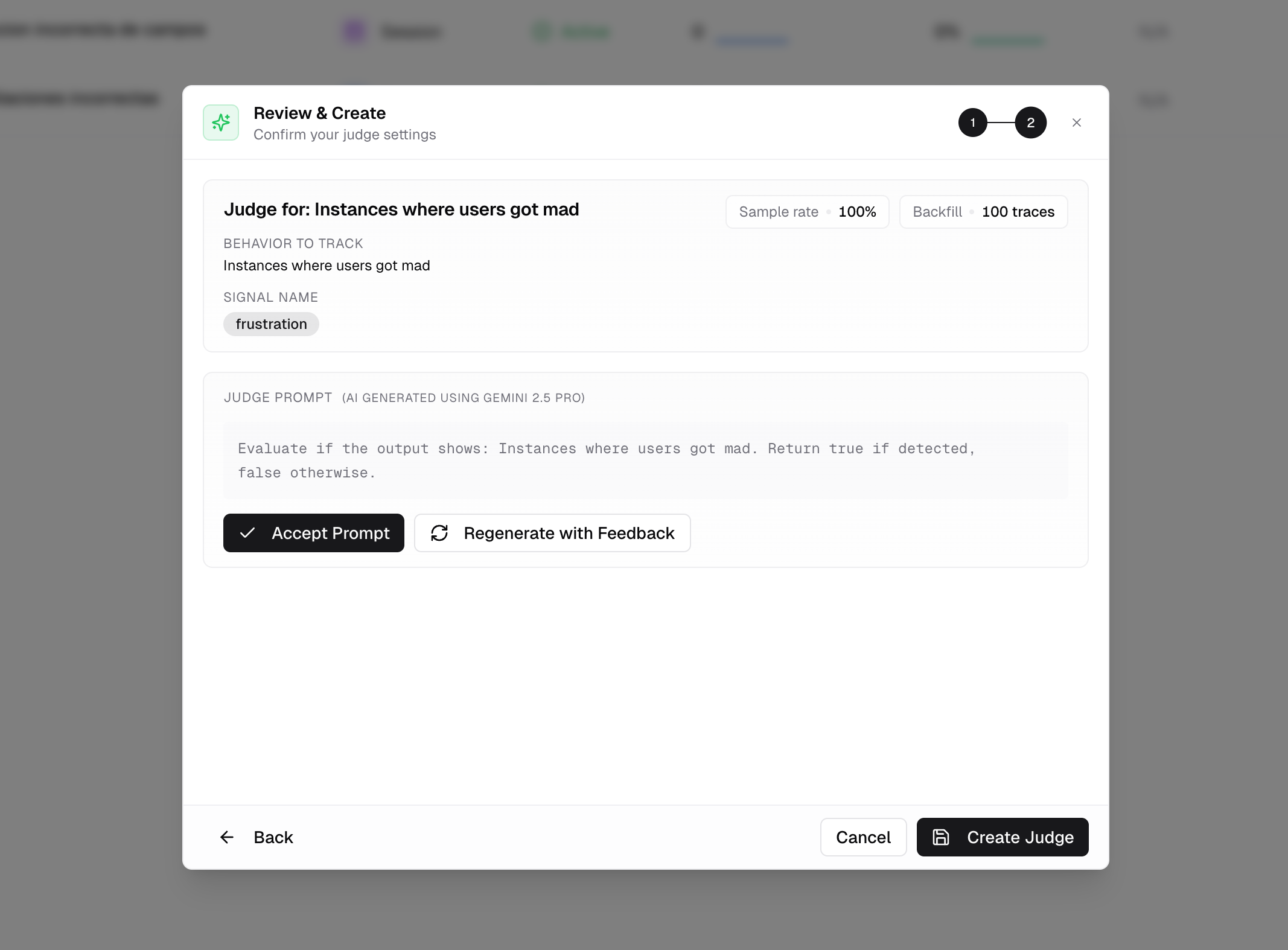
1
Define your criteria
Go to Monitoring → Judges → New
Judge. Choose between a
binary judge (pass/fail) or a scored judge (rubric with multiple
criteria).
2
Write the evaluation prompt
Specify what the judge should look for in your agent’s output. Tweak the
prompt until it matches the quality bar you’re aiming for.
3
Judge starts evaluating
Historical and future traces are scored automatically. Results appear in the
dashboard immediately.
Calibration
AI judges are powerful but imperfect. Out of the box, a judge might:- Miss nuance — flag a correct but unconventional answer as wrong
- Be too lenient — let low-quality responses pass because they’re grammatically correct
- Misinterpret context — score domain-specific content poorly because it lacks your business context
Calibration Guide
Learn how to correct judge evaluations in the dashboard or programmatically
via SDK to improve accuracy over time.