

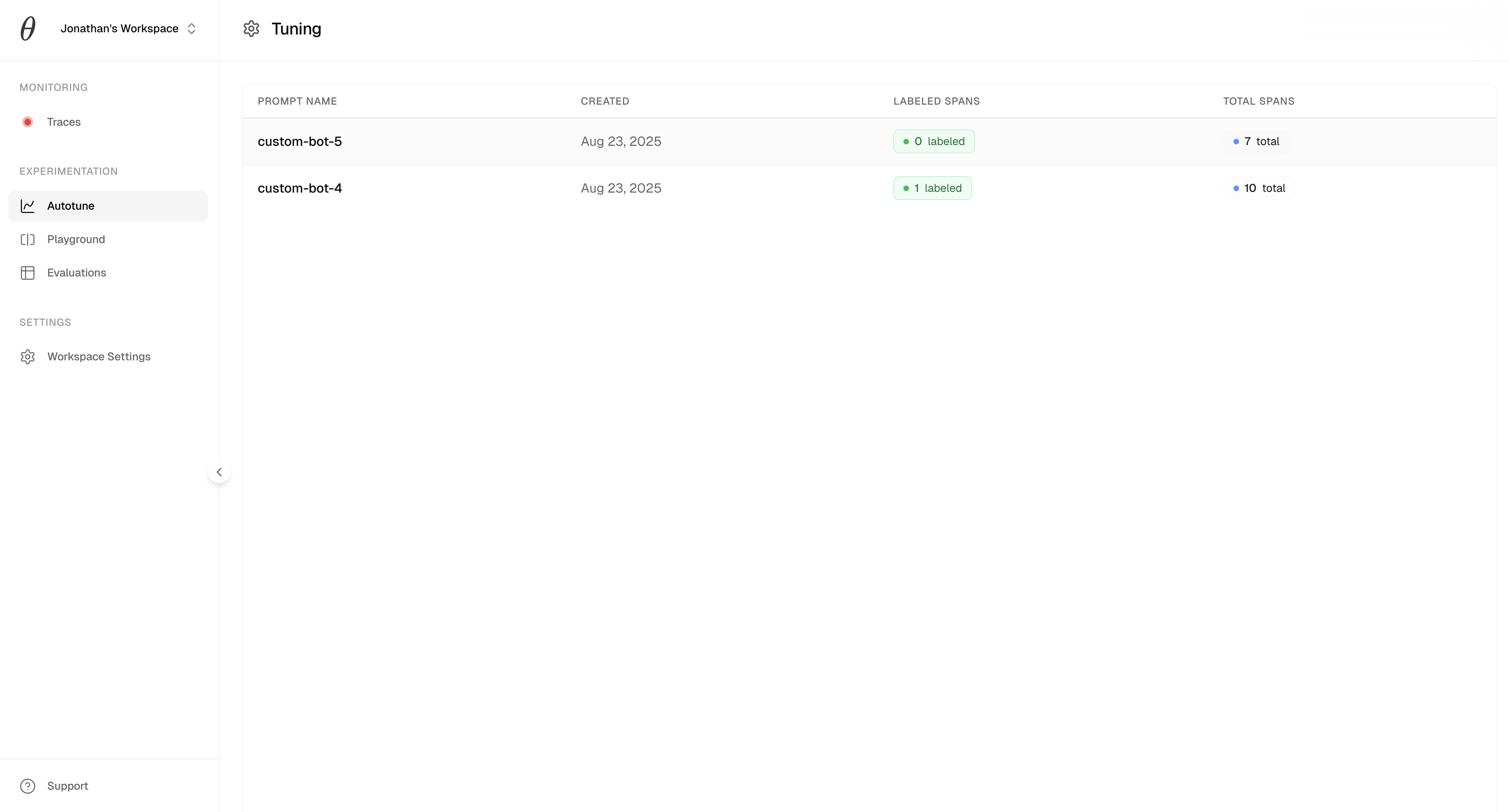
Getting started (<5 mins)
Replace hardcoded prompts withze.prompt() and include the name of the specific part of your agent that you want to tune.
ZeroEval › Prompts › [task_name].
Auto-tune behavior: When you provide
content, ZeroEval automatically uses the latest optimized version from your dashboard if one exists. The content parameter serves as a fallback for when no optimized versions are available yet. This means you can hardcode a default prompt in your code, but ZeroEval will seamlessly swap in tuned versions without any code changes.To explicitly use the hardcoded content and bypass auto-optimization, use from_="explicit" (Python) or from: "explicit" (TypeScript):Pushing models to production
Once you see a model that performs well, you can send it to production with a single click, as seen below.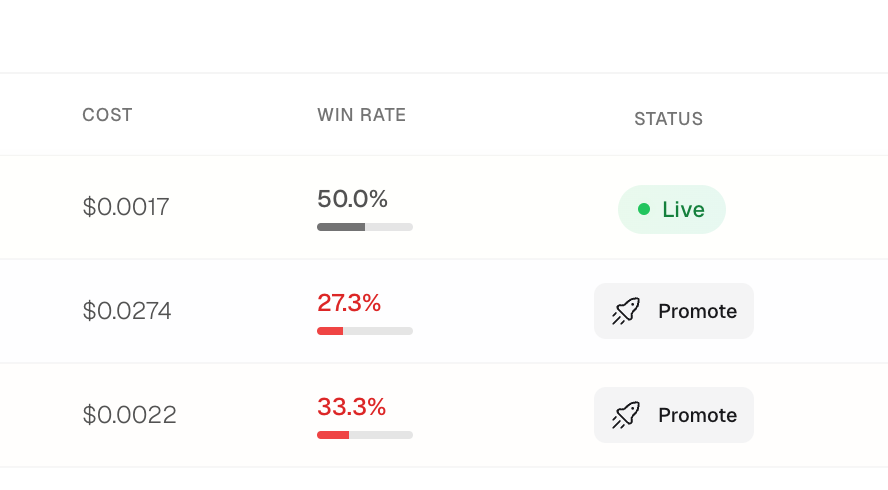
ze.prompt(), as seen below.
Example
Here’s autotune in action for a simple customer support bot:Understanding Prompt Versions
ZeroEval automatically manages prompt versions for you. When you useze.prompt() with content, the SDK will:
- Check for optimized versions: First, it tries to fetch the latest optimized version from your dashboard
- Fall back to your content: If no optimized versions exist yet, it uses the
contentyou provided - Create a version: Your provided content is stored as the initial version for this task
Explicit version control
If you need more control over which version to use:When to use each mode
| Mode | Use Case | Behavior |
|---|---|---|
content only | Recommended for most cases | Auto-optimization with fallback |
from_="explicit" (Python) / from: "explicit" (TS) | Testing, debugging, or A/B testing specific prompts | Always use hardcoded content |
from_="latest" (Python) / from: "latest" (TS) | Production where optimization is required | Fail if no optimized version exists |
from_="<hash>" (Python) / from: "<hash>" (TS) | Pinning to specific tested versions | Use exact version by hash |